New v0.10 with auto-updates and game presets

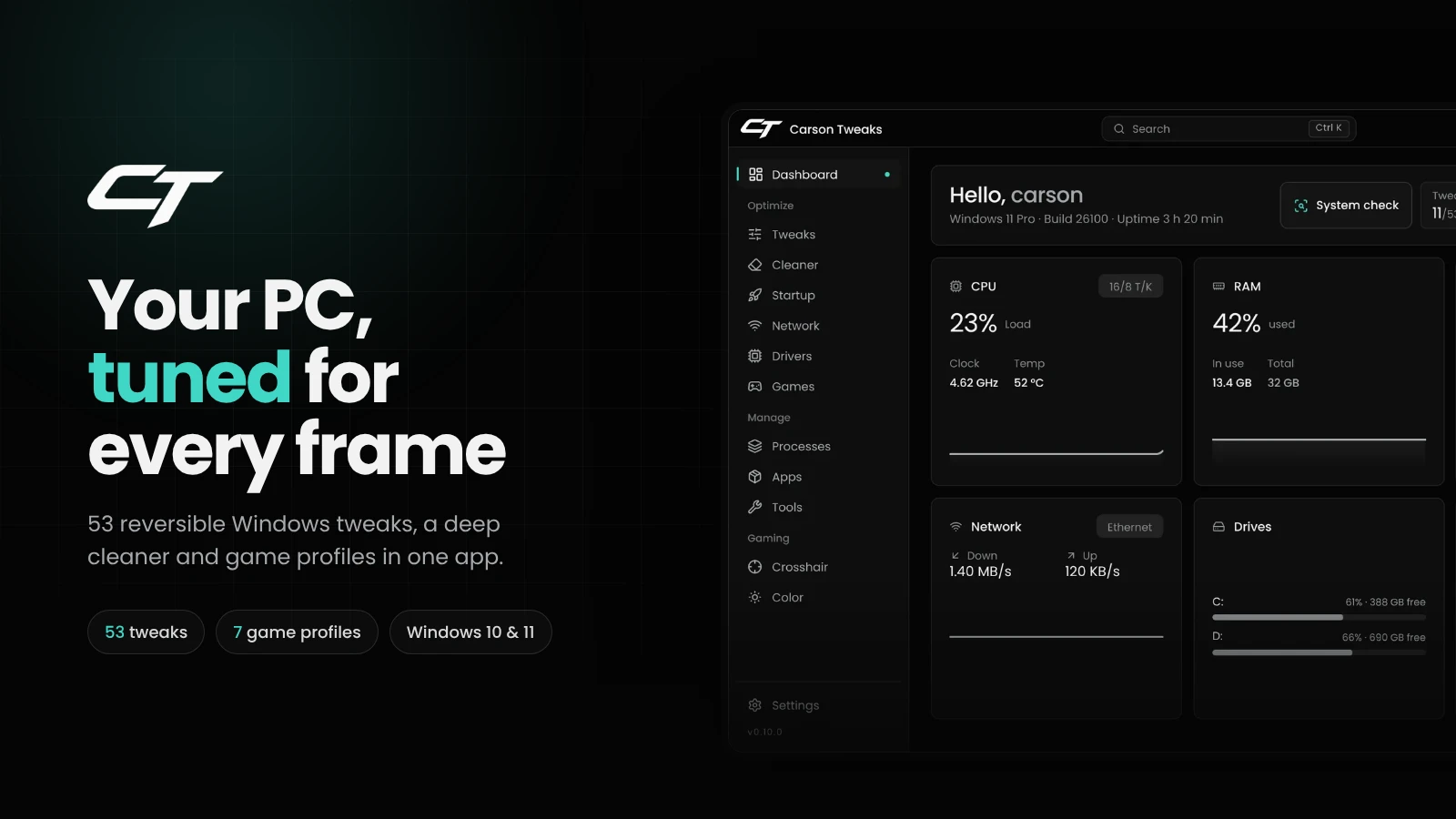
Your PC, tuned for every frame

Carson Tweaks puts 53 reversible Windows tweaks, a deep cleaner and per-game profiles into one fast app. Pick what you want, apply it in one click, undo it anytime.

Instant key delivery Every tweak reversible Restore point in one click Windows 10 & 11
Dashboard Tweaks Games Cleaner Network

Live CPU, GPU, RAM, network and drive stats with a system score.

Every tweak explained in plain words, with what it needs and when it takes effect.

Finds your installed games and applies a profile to each one.

Clears caches and leftovers. Passwords, cookies and history stay untouched.

The network settings that actually matter for ping, in one place.

53 Windows tweaks
17 cleaner targets
7 game profiles
5 languages

Features

One app instead of ten scripts

53 reversible tweaks

GPU, CPU, system and gaming tweaks, each explained in plain words. Switch one off and Windows goes back to how it was.

Deep cleaner

Temp files, shader caches, browser and Discord caches, old update packages. Passwords, cookies and history stay untouched.

Game profiles

Detects installed games and sets CPU priority, GPU preference and fullscreen behaviour for each one.

Network tuning

Nagle, network throttling, adapter power saving and QoS: the settings that matter for ping, explained.

Startup and processes

See what starts with Windows and what eats your RAM, and turn off what you don't need.

Live dashboard

CPU, GPU, RAM, temperatures, drives and a system score at a glance.

Games

Profiles for the games you play

Carson Tweaks finds these games on your PC and tunes how Windows runs them.

  • VALORANT
  • Fortnite
  • Minecraft + in-game preset
  • Counter-Strike 2
  • Apex Legends
  • Rocket League
  • League of Legends

No injection, no memory access, no anti-cheat interaction. Profiles only change how Windows runs the game.

Setup

Running in three steps

Get your key

Pay with the method you like. Your license key arrives instantly.

Install and sign in

Run the installer and sign in with your key. The license is bound to your PC.

Apply and play

Start with the recommended set or pick tweaks one by one. Set a restore point first with one click.

FAQ

Questions before you buy

Carson Tweaks doesn't inject into games, read game memory or interact with anti-cheat. It changes Windows settings, the same ones you could set by hand. Games like VALORANT and Fortnite only see a better-tuned Windows.
Yes. Every tweak can be switched back on its own, and the app creates a Windows restore point with one click before you start.
Windows 10 and Windows 11 (64-bit). A few tweaks only exist on Windows 11. Their descriptions in the app say so.
One license runs on one PC. Switching to a new PC? Open a ticket and we'll move your license.
Most system tweaks do. The app shows which ones need admin and can restart itself with the right permissions.
The app checks for new versions itself, downloads them in the background and installs them the next time you restart it.

Still unsure?

Open a ticket and we'll get back to you.

Contact support